Send clashes to BCF and read an issue list back
Goal: hand clash results to a BCF tool such as BIMcollab, Konekt, Revizto or Autodesk Construction Cloud, and read a BCF file from someone else back into Navisworks.
Before you start
- To export clash results, use Navisworks Manage: Simulate does not include Clash Detective. Run the clash tests first. Importing a BCF file does not need Clash Detective.
- Open a model and the CamelGraph editor.
- BCF is the vendor-neutral issue format: a
.bcfzipfile of topics, each with a title, status, comments, a camera and the elements involved.
Part A: export
- Add
Clash.Tests(Navisworks ▸ Clash ▸ Tests) for the list of tests. - Add
List.GetItemAtIndex(List). Wiretestsintolistand type0intoindexfor the first test. A negative index counts from the end. - Add
ClashTest.Results(Navisworks ▸ Clash ▸ Tests). Wireiteminto itstest. - Add
BCF.ExportIssues(Navisworks ▸ Export). Wireresultsintoresults. Type a full path intofilePath, for exampleC:\Reports\clash-issues.bcfzip. - Add a
Watch(Display) ontopicCount, rename itTopics exported, and press F5.
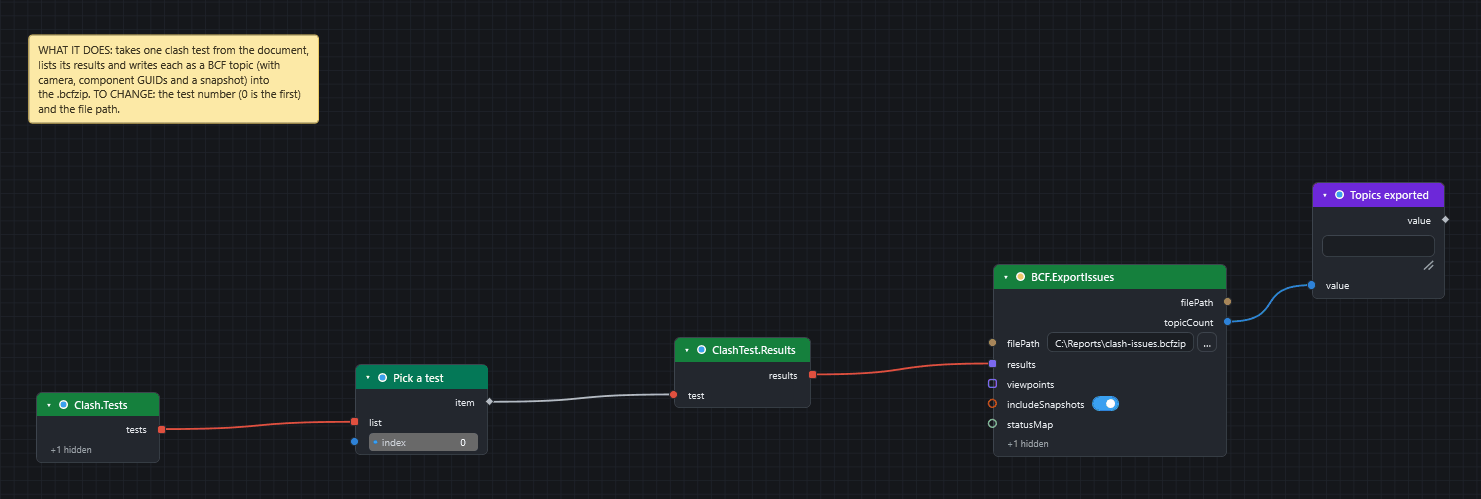
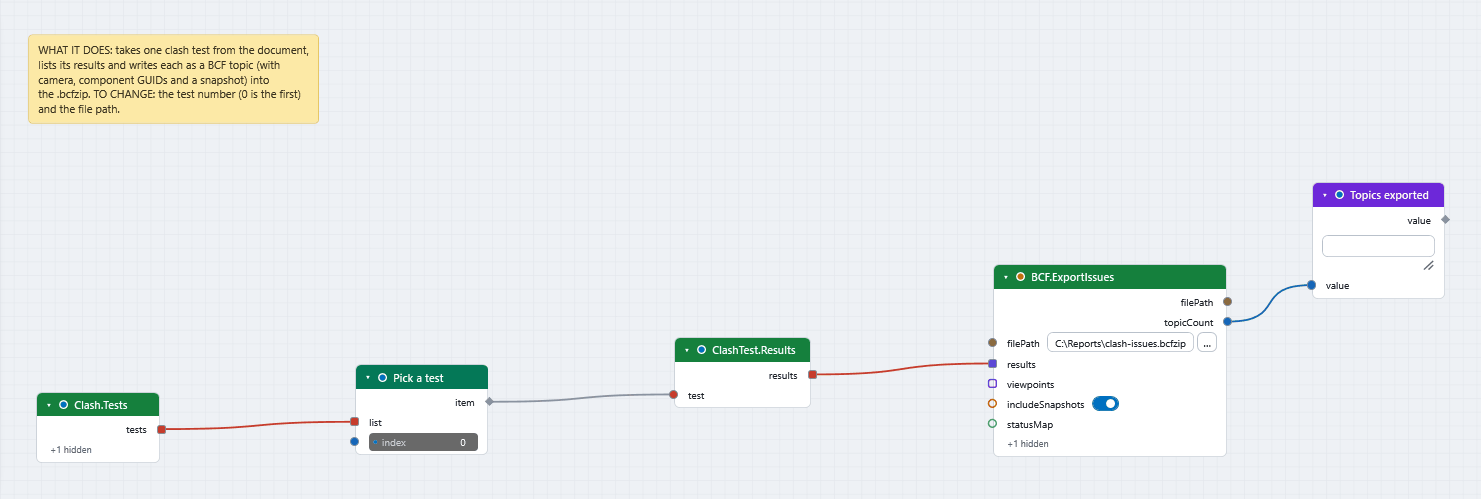
Each result becomes a topic with a markup, a camera viewpoint, the GUIDs of its elements and a snapshot picture. Switch includeSnapshots off to go faster on long result lists. statusMap is optional: without it New and Active become Open, Reviewed becomes In Progress, and Approved and Resolved become Closed.
Part B: import
- Add
BCF.ImportIssues(Navisworks ▸ Export). Type the full path of a.bcfzip(BCF 2.0 or 2.1) intofilePath, for example the file from Part A. - Add an
Integernode (Input), rename itTopic numberand leave it at0. - Add
List.GetItemAtIndexand rename itTopic. WiretopicsintolistandTopic numberintoindex. - Add
Dictionary.ValueOrDefault(Dictionary). Wireitemintodictionaryand typetitleintokey. Wirevalueinto aWatchand rename itTopic title. - Add a second
List.GetItemAtIndexand rename itItems of the topic. WiremodelItemsintolistandTopic numberintoindex.modelItemsholds one list of items for each topic, in the same order astopics. - Add
Selection.SetCurrent(Navisworks ▸ Selection). Wire theitemoutput of the secondList.GetItemAtIndexinto itsitems. The elements named in that topic are selected. - Press F5, then change
Topic numberto look at the next topic.
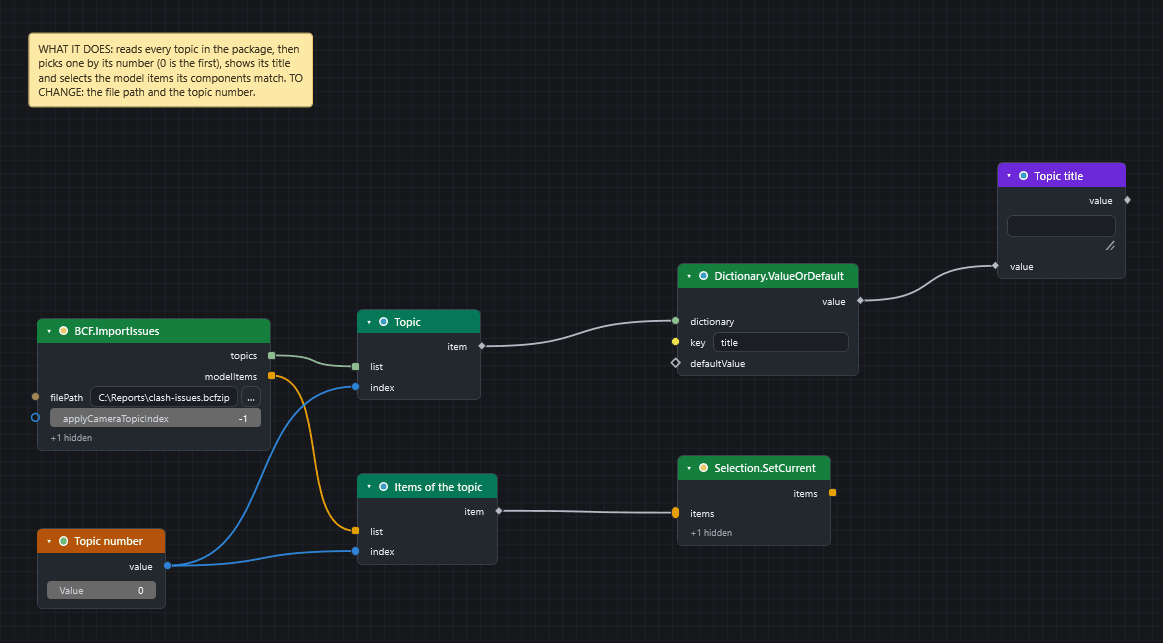
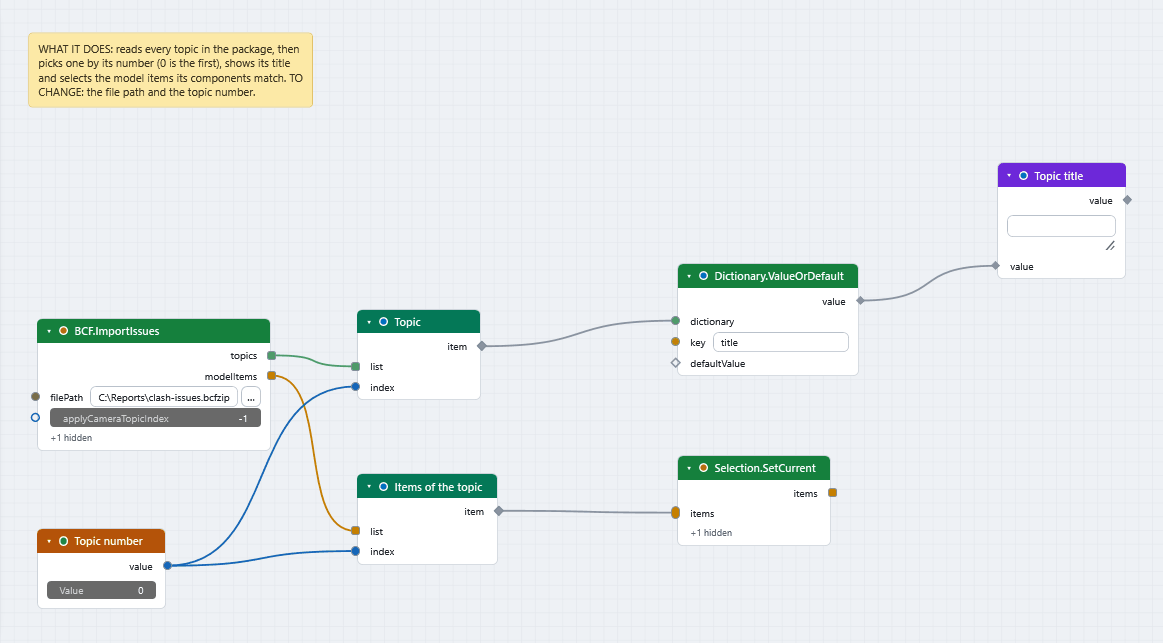
To list all the titles, skip the first List.GetItemAtIndex and wire topics straight into Dictionary.ValueOrDefault. The wire turns dashed and you get one title for each topic. Each topic is a dictionary with the keys guid, title, status, type, description, creationAuthor, creationDate, comments, commentAuthors, commentDates, componentGuids, camera and hasSnapshot.
To jump the view to one issue, set applyCameraTopicIndex to its position, counting from 0. The default, -1, leaves the view alone. A topic without a camera, or an index past the last topic, makes the node report an error.
What you get
- A BCF file that other tools open, with one topic for each clash result.
- A selection of the elements from a BCF file, and a list of what it says.
Elements are matched by GUID
Elements are identified by their IFC GlobalId when the item has one, and by its InstanceGuid otherwise. For models that did not come from IFC this can be lossy: another tool may not find the same element. On import, elements are matched by IFC GlobalId first, then InstanceGuid. Cameras are written in metres, as the BCF convention says, whatever units the model uses.
If it does not work
- Fewer elements are selected than topics name: some GUIDs matched no item in this model.
- A clash node is red: you may be in a product without Clash Detective. See Make a clash report.
- A file node fails: use a full path (why).
Next
ClashResult.SetStatus(Navisworks ▸ Clash ▸ Results) can update clash statuses from the topic statuses.ClashResult.ByGuidfinds the live results again from the topic GUIDs (theguidoutput ofBCF.ImportIssues), and a result group can be set in one step too.- IFC, BCF, Excel and CSV describes every BCF input.
- Export items to IFC.